Stunning Capabilities
Unleash your creative potential with state-of-the-art tools crafted to save time and wow audiences.
Skin Smoothing & Repair
Erase skin blemishes, blemishes, red spots, and fine lines in one click.
Face Contouring
Subtly adjust jawlines, cheekbones, nose sizes, and eye shapes if needed.
Red-Eye Correction
Automatically remove red-eye flash reflection artifacts from night portraits.
Photo Touch-Up Online – Perfect Your Images in Seconds
Sometimes your photo doesn’t need a dramatic filter—it just needs a little polish. With our online touch-up tools, you can refine your images in a way that still feels natural. Whether it’s a professional headshot, a selfie you love, or a close-up portrait, you can fix small imperfections without making your photo look over-edited.
Think of it less as “editing” and more as perfecting what’s already there.
Touch Up vs Filters: What’s the Real Difference?
Filters are great when you want a quick vibe change—but they affect the whole image at once. Touch-up editing is different. It’s more precise.
Key Improvements
If you want photos that look clean, polished, and still you, touch-up is the way to go.
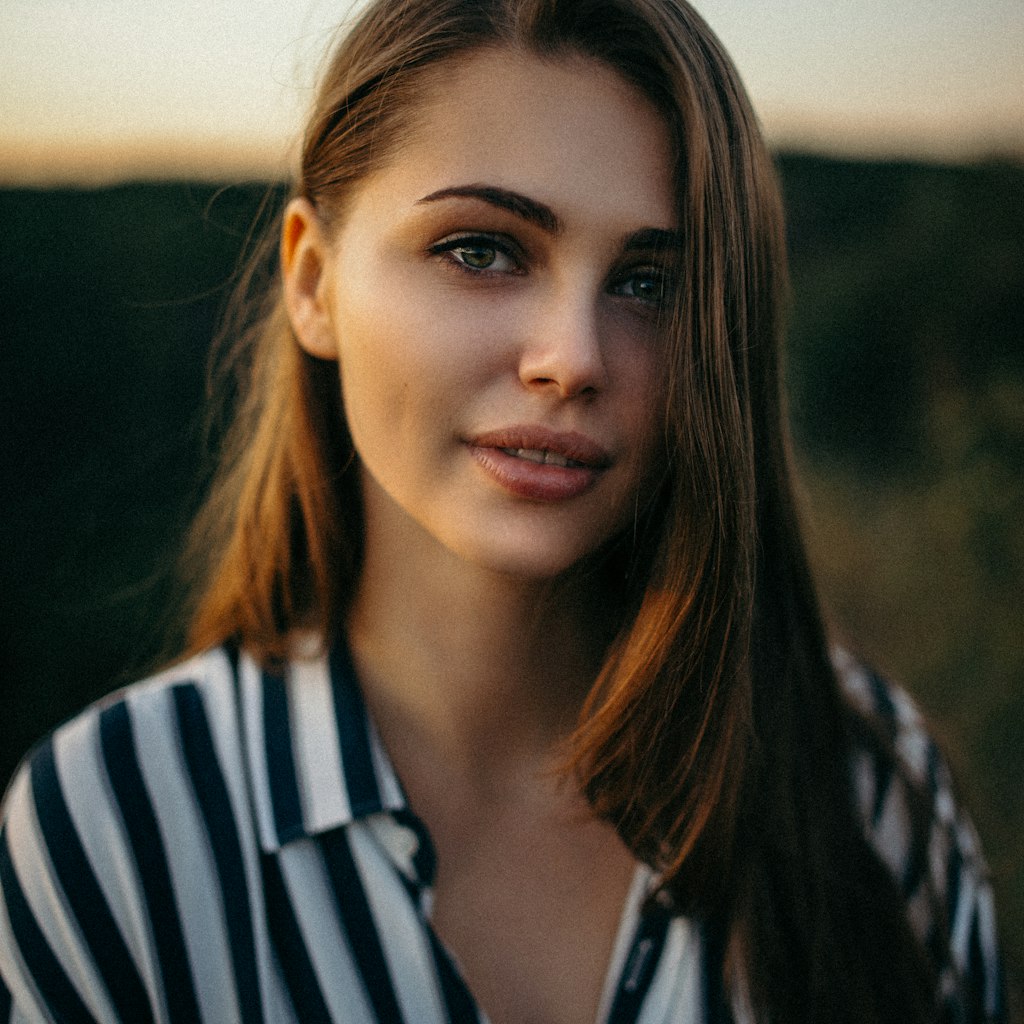
Tools That Focus on the Details
This editor is built for precision. You’re not just applying effects—you’re working on exactly what matters.
You’re in Control (Not Just a Button)
A lot of tools rely on one-click edits… and let’s be honest, they don’t always look great. Here, you get real control:
Every change is intentional—not automatic.
When Should You Use Touch Up?
Not every photo needs it—but when it does, it really shows. It’s perfect for:
Professional Headshots
Clean, professional branding photos.
Close-up Portraits
Retouch detailed features naturally.
Weddings & Events
Stunning memories with clean textures.
Profile Pictures
Perfect first impressions for social feeds.
Client & Portfolio Work
Deliver commercial-grade visual assets.
Smart Editing Flow
Touch-up works best when you take it step by step:
Natural Is the Goal
Over-edited photos are easy to spot. We focus on:
Why People Prefer It
If you care about quality, touch-up tools hit different:
Common Mistakes to Avoid
Even good tools can go wrong if you overdo it. Watch out for:
Start Refining Your Photos
Touch-up editing isn’t about changing your photo—it’s about bringing out its best version. With the right tools, you can clean up, refine, and enhance your images while keeping them natural and true to you. Whether it’s one photo or a full set, you’ll get results that feel polished, professional, and effortless.
Frequently Asked Questions
Everything you need to know about our free online touch-up tools.
Discover More Creative Solutions
Seamlessly combine our free web tools to speed up your creative design workflows and elevate your marketing assets.
AI Background Remover
Instantly remove backgrounds from images with precise AI edge detection.
Logo Maker
Create and customize professional vector brand identities in seconds.
Image Resizer
Quickly resize photos and graphics for social media and Web layouts.
Creative Blog
Read dynamic guides, design tutorials, and expert optimization tips.