Resize Images in 3 Easy Steps
Getting your resized images ready is quick and simple.
Upload your image
Drag & drop or select your JPG, PNG, WEBP, or GIF images into the uploader area to begin.
Provide desired dimensions
Enter the target width, height, output format, or scale quality inside the settings panel.
Download resized image
Download your high-quality resized images individually or as a single combined ZIP archive.
Image Resizer Features
Powerful features designed to make resizing images simple and efficient.
Quality is Maintained
Resizing images does not affect the clarity and sharpness of the original image.
Custom Dimensions
You may enter values in pixels for the exact width and height of the resized image.
Keep Aspect Ratio
If your image has been stretched and distorted during the resizing process, your image will not be altered to affect the final image.
Batch Process
You can resize many images in one process.
Support of Common Formats
All of these formats are common in the majority of the current image resizing applications:
Benefits of Image Resizing
Our resizer operates entirely inside a secure engine to protect your privacy while delivering top-tier performance:
No Cropping Necessary
Resizing (changing) an image's dimensions does not eliminate any of the portions of the image. No portions of the image will have been cropped from the final rendition of that image.
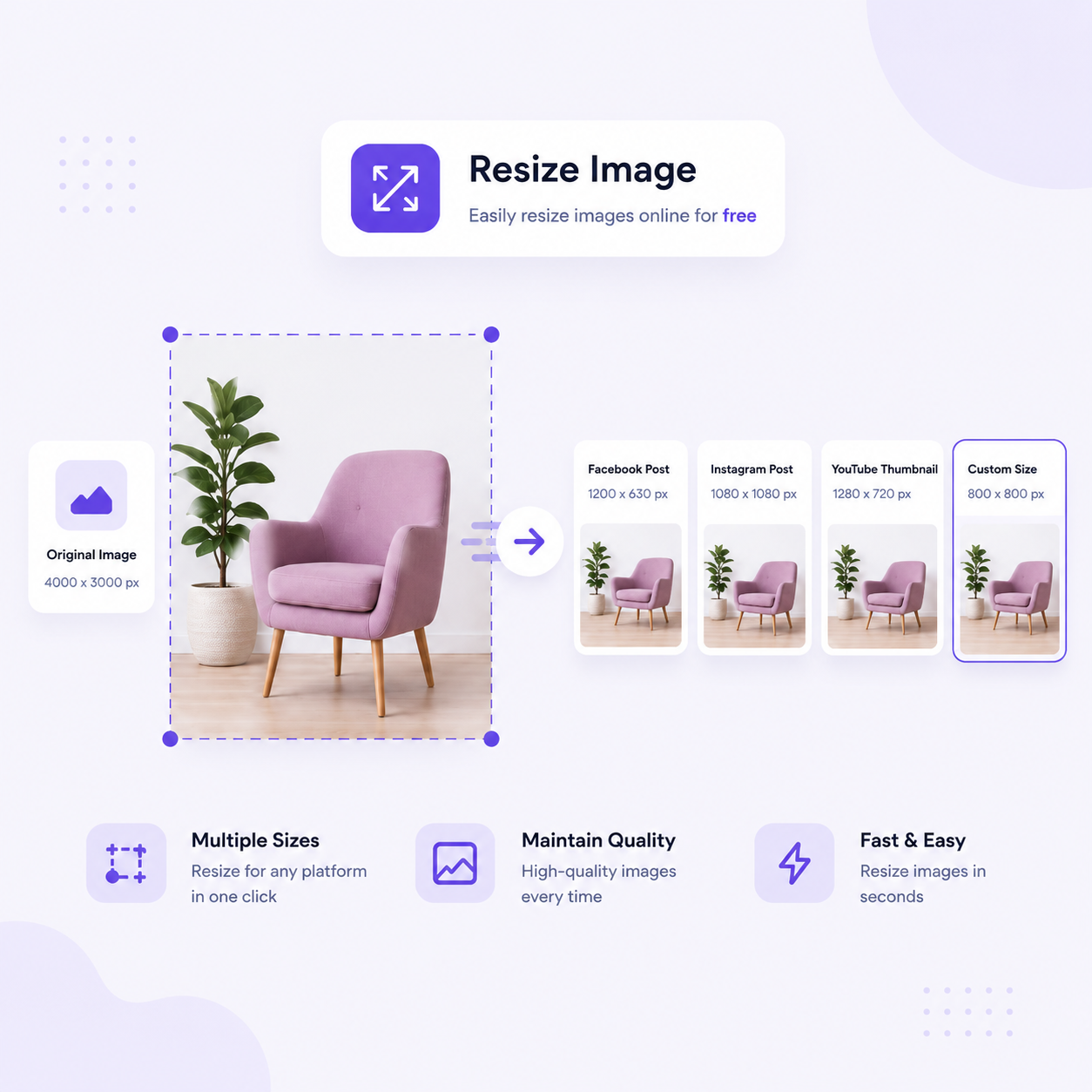
Popular Reasons to Resize Your Images
Social media platforms often require specific dimensions for the best display results. Use our resizer to easily adjust for:
Resize Your Images For Many Reasons
Image resizing is a key optimization step for developers, designers, and marketers alike. Resizing can help you:
Frequently Asked Questions
Everything you need to know about our free image resizing tool.